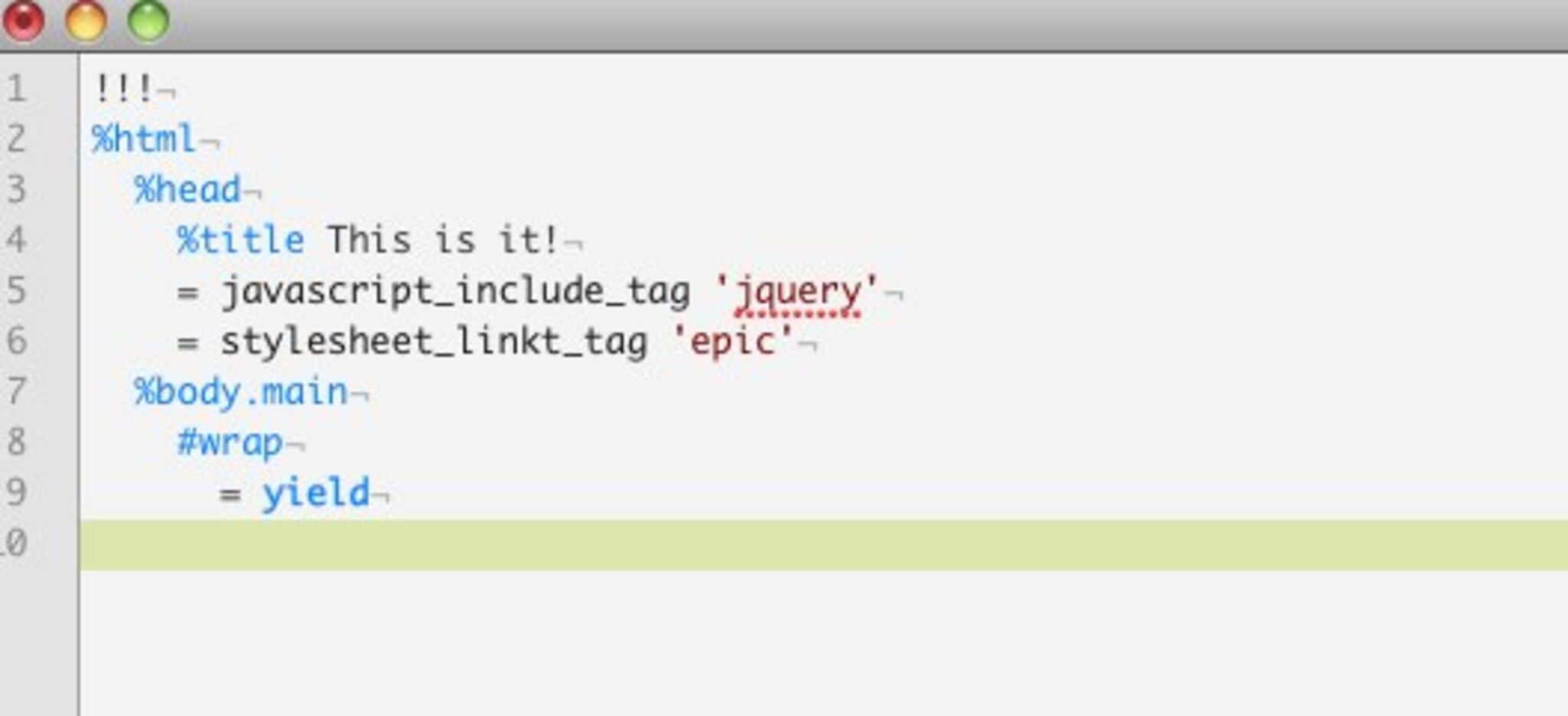
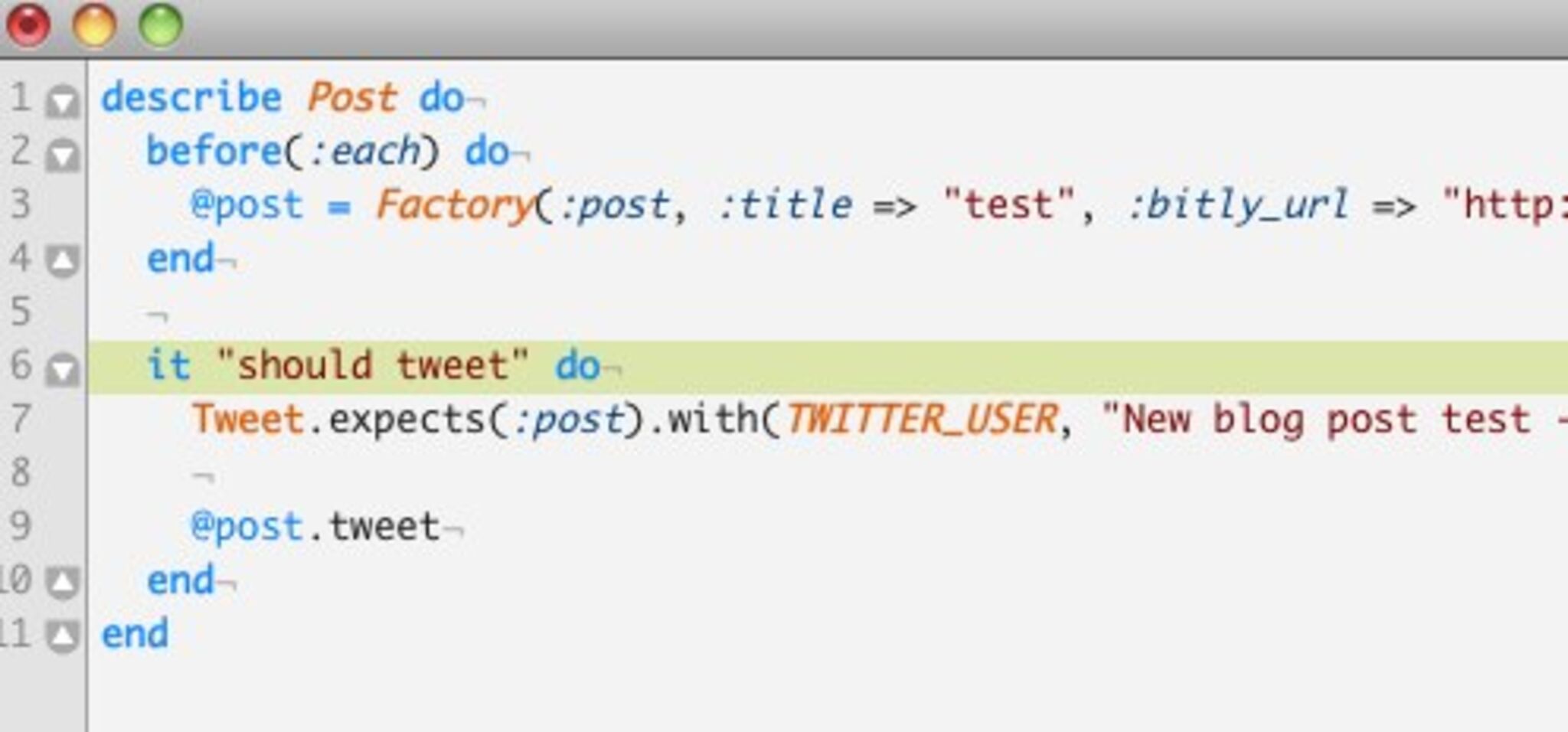
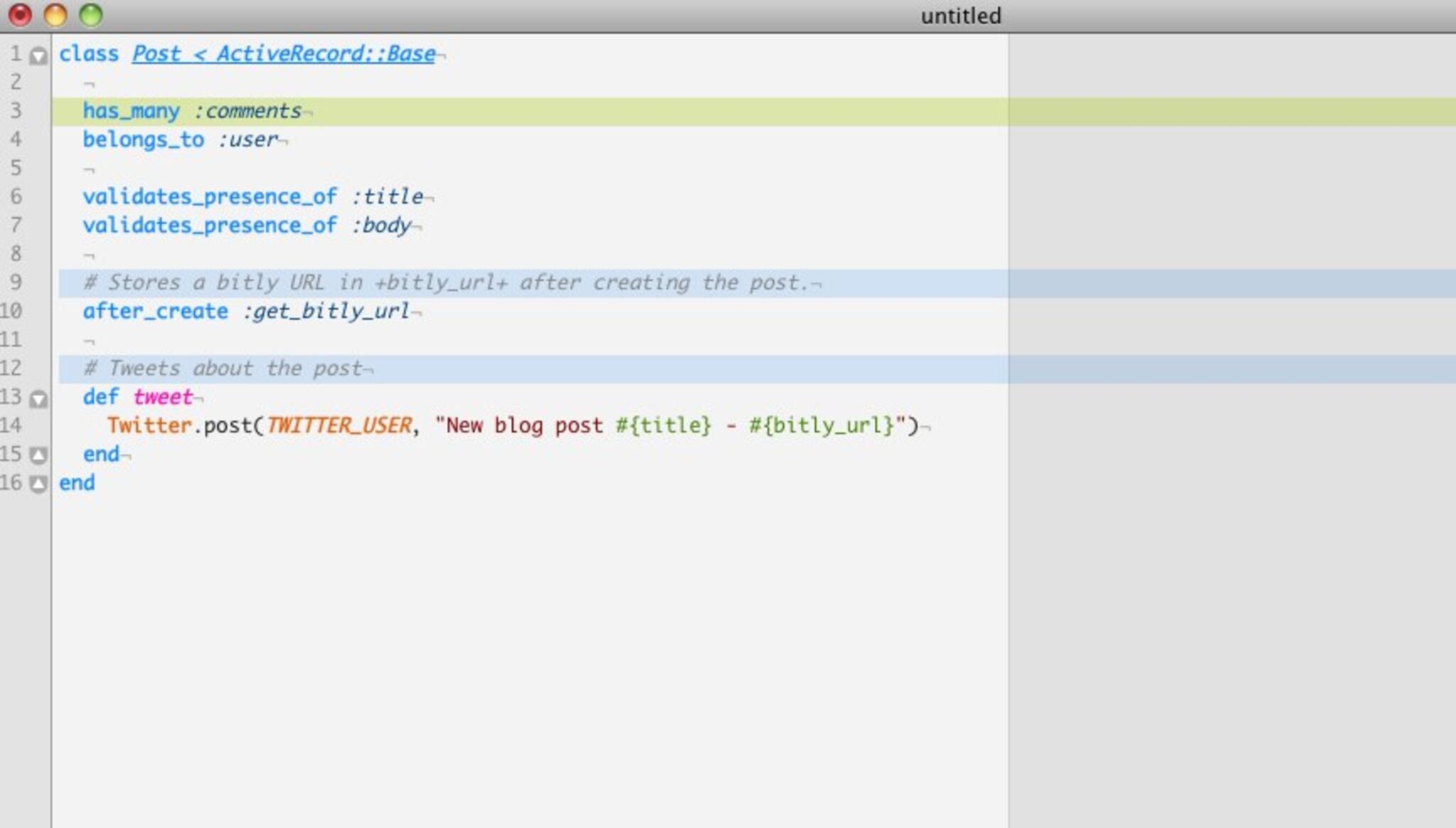
Epic TextMate Theme

Okay, I’ve wanted to make a custom TextMate theme since I first installed the thing on my MacBook in 2006. Today I present you with ‘Epic’.

Installation

Grab the theme here: EpicBlue.tmTheme.zip (1.5k). Unzip it and open it with TextMate. That’s all. Enjoy!

Samples
  • Twitter
  • Digg
  • del.icio.us
  • DZone
  • Reddit
  • email

6 Responses to “Epic TextMate Theme”

  1. If you have any recommendations to make this theme even better, please let me know!

  2. iain says:

    It’s too bright for my taste, but nice effort nonetheless!

    I use ir_black for both vim and the terminal. This impresses windows users when they walk by ;-)

    I don’t really know many colors and syntax options TextMate supports, but I like the way vim distinguishes colors between do..end and class…end, and has different colors for quotes themselves and the quoted text, and so on.

    Example: http://img.iain.nl/daa8927e.png

  3. Jeroen Knoops says:

    Awesome!

    I think this will be my macbook textmate theme..
    Thanks!

  4. How can you call anything that has baby blue colors epic?!!
    Where are my green on black haxz0r terninal colors!

  5. @Michel If I only had the time… maybe I’ll hack up something tonight. The baby blue is easier on the eyes :)

  6. Title…

    Very insightful post. I am going to link to it in my new blog….

Leave a Reply